
Payment Options
1. Branch / Walk-In Payments
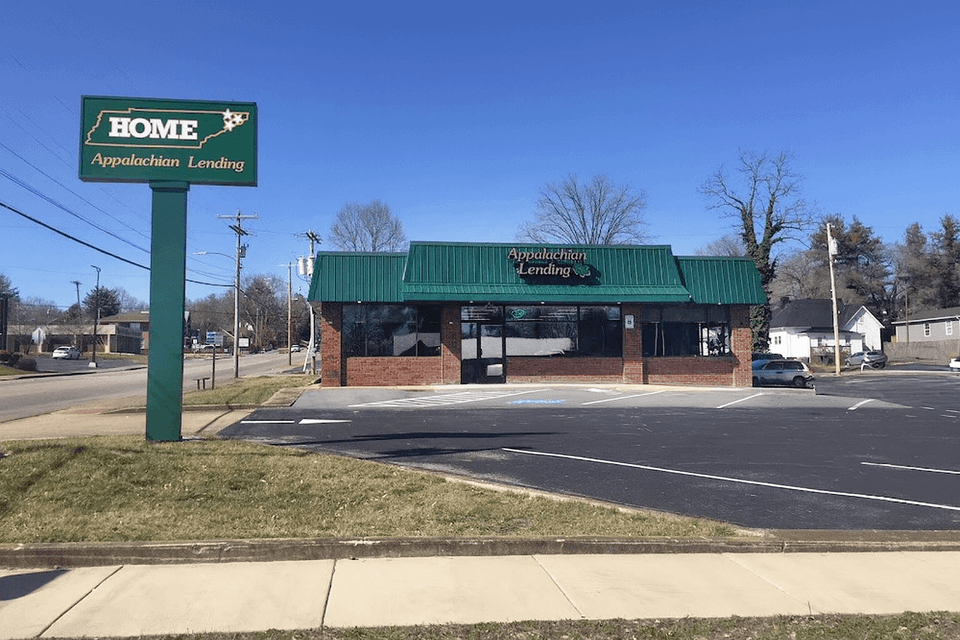
Visit any of our Southern Finance Office in Greeneville, or our other Appalachian East Tennessee offices (Johnson City, Kingsport, Elizabethton) during normal business hours. We accept cash, check, or debit card in-person. Each branch also features a secure night-deposit box for checks only.
Important: Please do not leave cash in the night-deposit after hours. See the “Mail & Drop” section for safe alternatives.
2. Phone Payments
Call your local branch and make a debit-card payment over the phone. We’ll immediately send you a text or email receipt confirming your payment and your loan account information.
3. Mail or Drop-Box Payments
You can mail a check to the branch where your loan originated. If you use the night-drop box, please use it only for checks. Address each payment to your branch’s mailing address, and include your loan account number clearly.